Introduction: The many types of Green Screens
This is gonna be fun! Here I'll showcase the many types of green screens you can use in both PSO2 Classic and/or NGS.
PSO2 Classic only
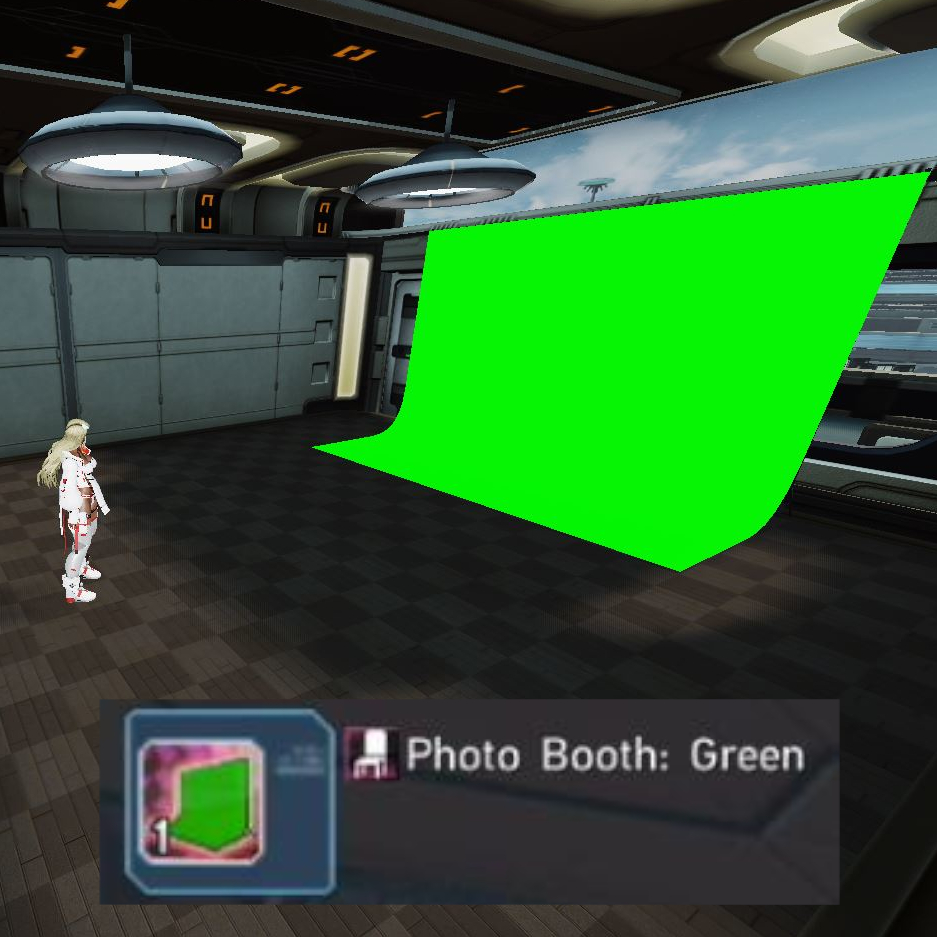
Other color(s) variation:Blue
This is a "classic" setup that anyone can put together in the older game. If you can see from this image, this whole setup is done in a mini room with lights installed from top to provide some lighting. Problem though is that no matter what, you'll end up having to do some post edit if the screenshots coming out too dark. If you have room access to change the background, I used space/galaxy back drop and place the green screen deco outside to provide better and balanced lighting.
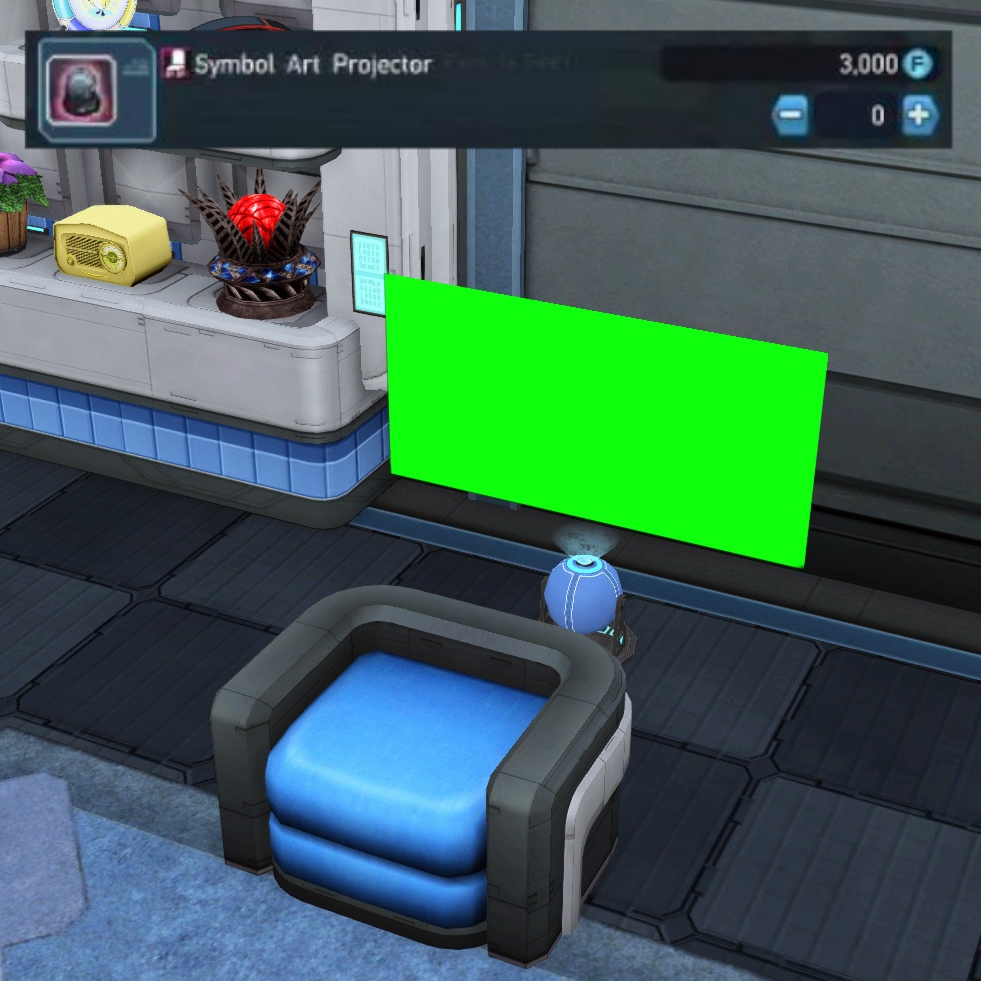
Other color(s) variation:Any
This is for the desperate. I've used this during the early months of PSO2NA (later renamed to PSO2Global) when I just wanted to do green screen on my characters' head. This is not recommended anymore.
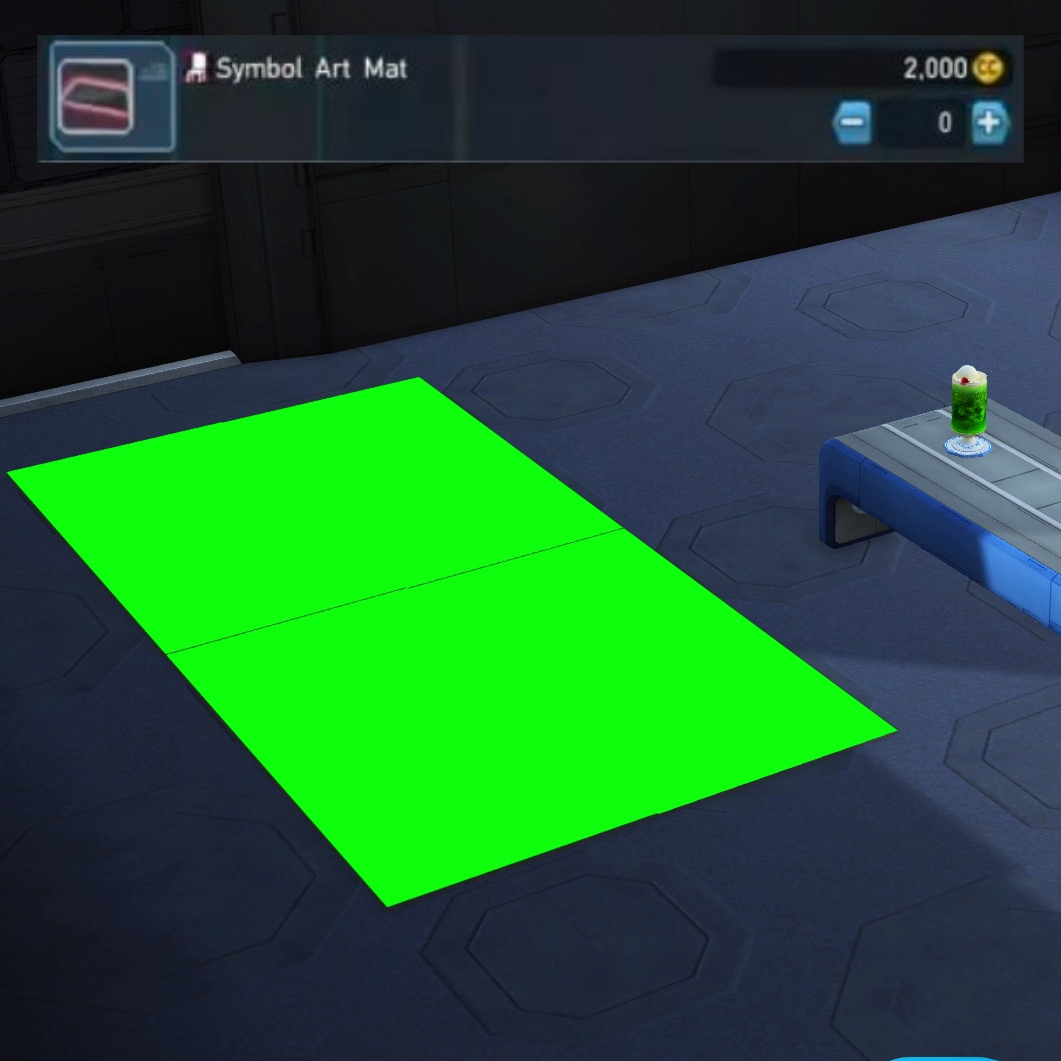
Other color(s) variation:Any
Same as above, not worth doing anymore. Besides how can you work with this anyway?! o.o
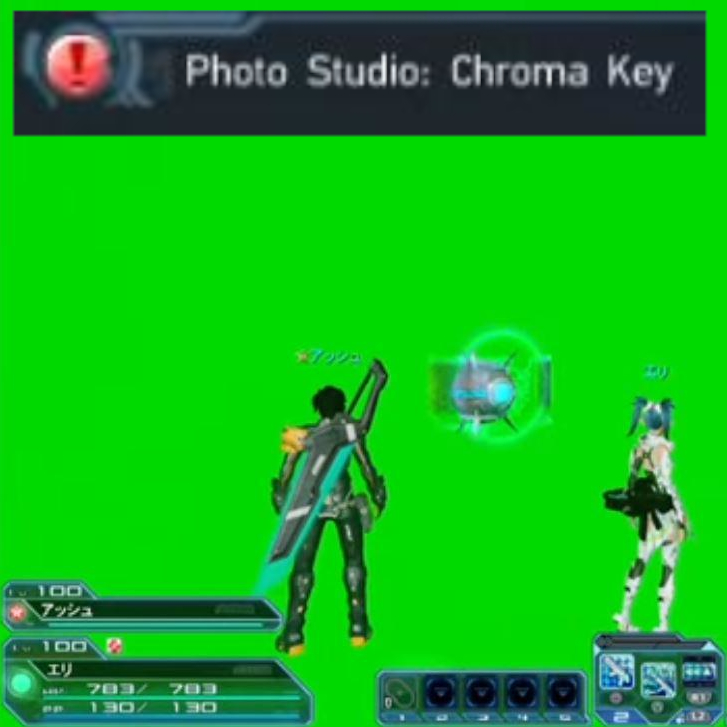
Other color(s) variation:Black, Blue, & White
The biggest advantage of this is simply being able to capture anything combat related. However, premium is necessary if you need additional lighting so keep that in mind!
PSO2 NGS only
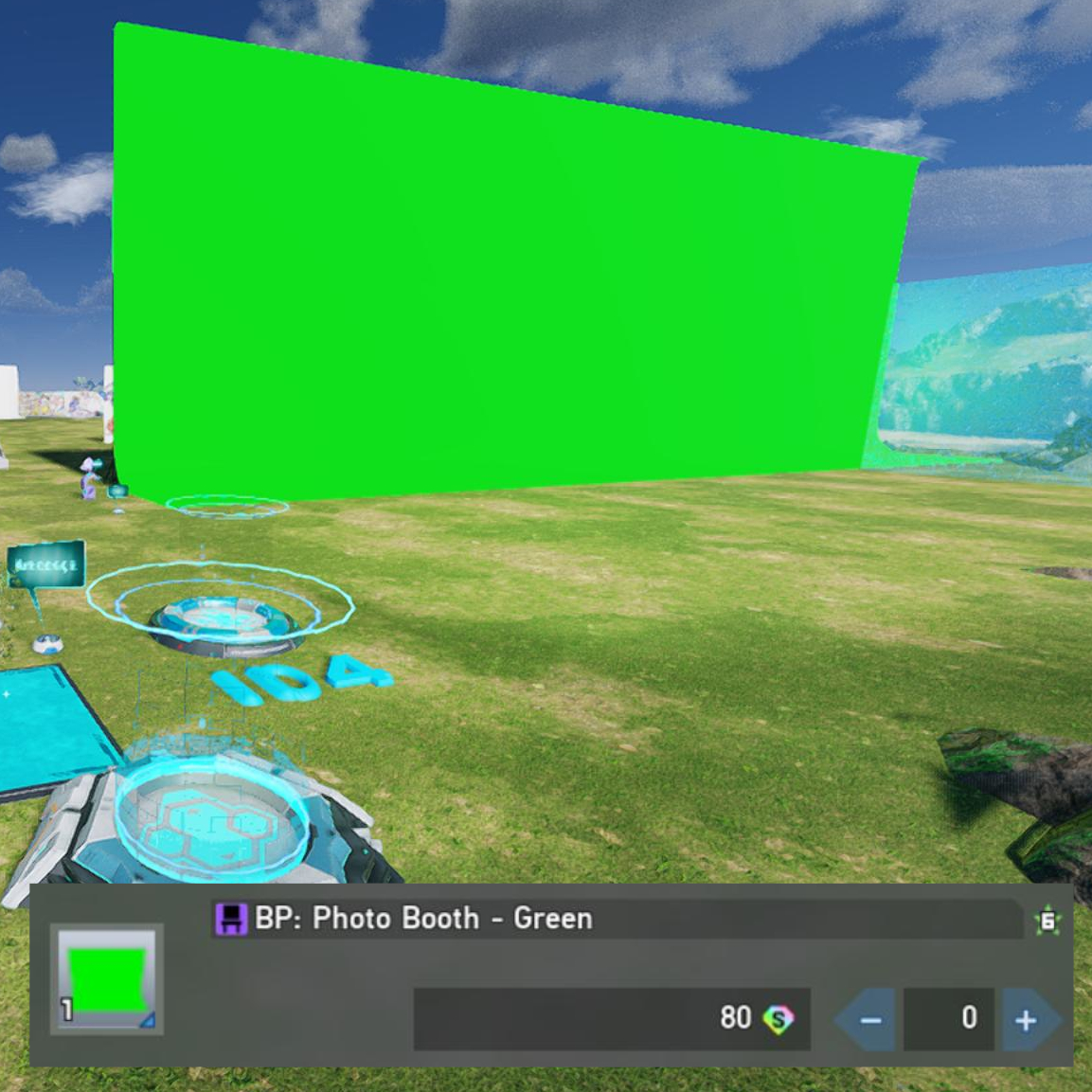
Other color(s) variation:Blue
So this is Creative Space. What's interesting is that we are able to stretch the green screen deco to the point where it's massive! :o The only issue I have is simply the clouds casting their shadow over the characters but it's easy to just wait for a bit to clear it out. I've seen others using Retem which isn't recommended due to overall colortone being red and the sun being pointed in a odd direction. And Karvis is just overall too dark to work with! And of course, no combat allowed in CS other than simple punches.
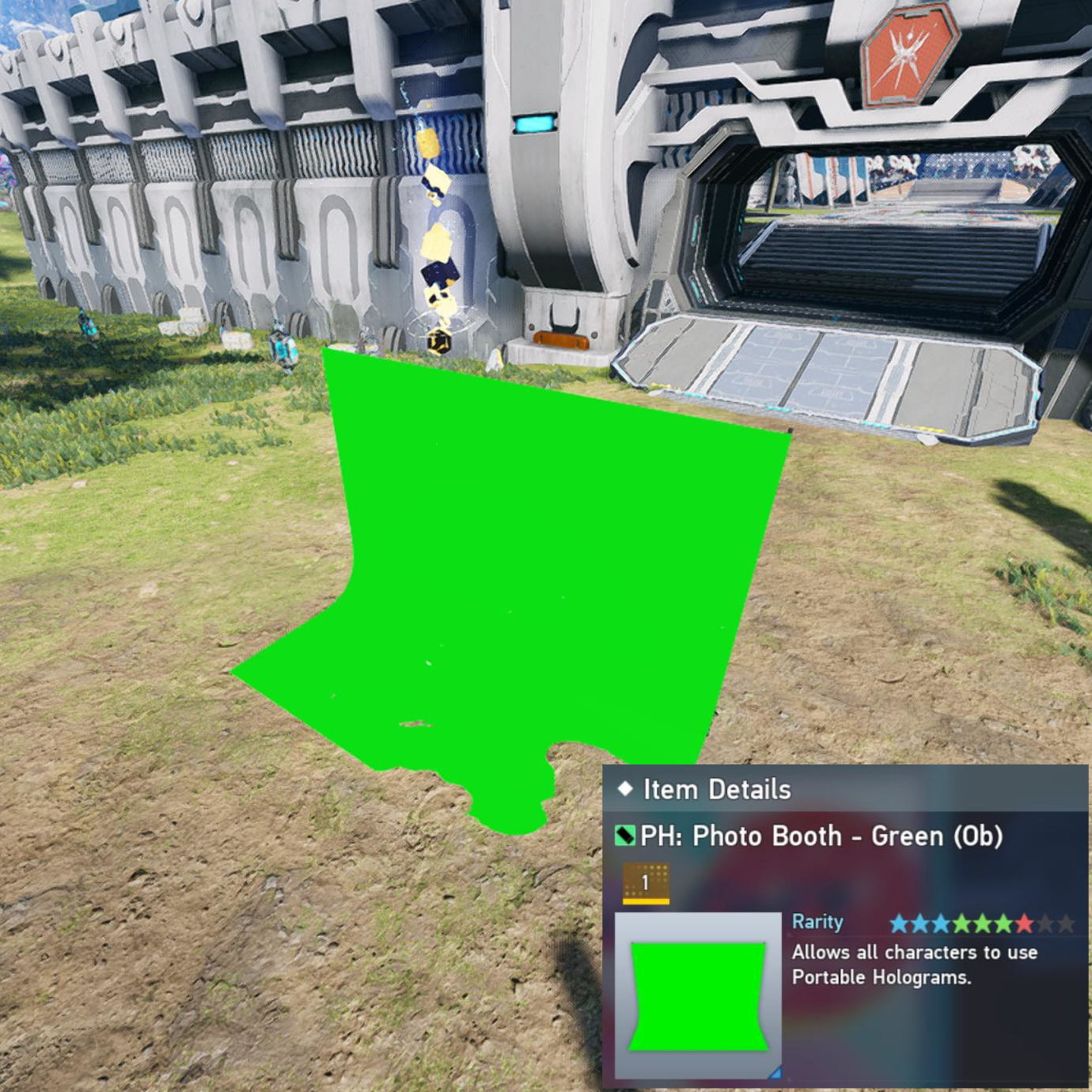
Other color(s) variation:Blue
Now this can provide some flexibility here. Let's say you no longer have access to Premium's custom lighting, then you still have access to Photo room mode's weather/time system! Pick the right region, weather/time, and you are good! And yes you can do combat in front of it but obviously it's stationary and the size stay the same.
Both Classic and NGS
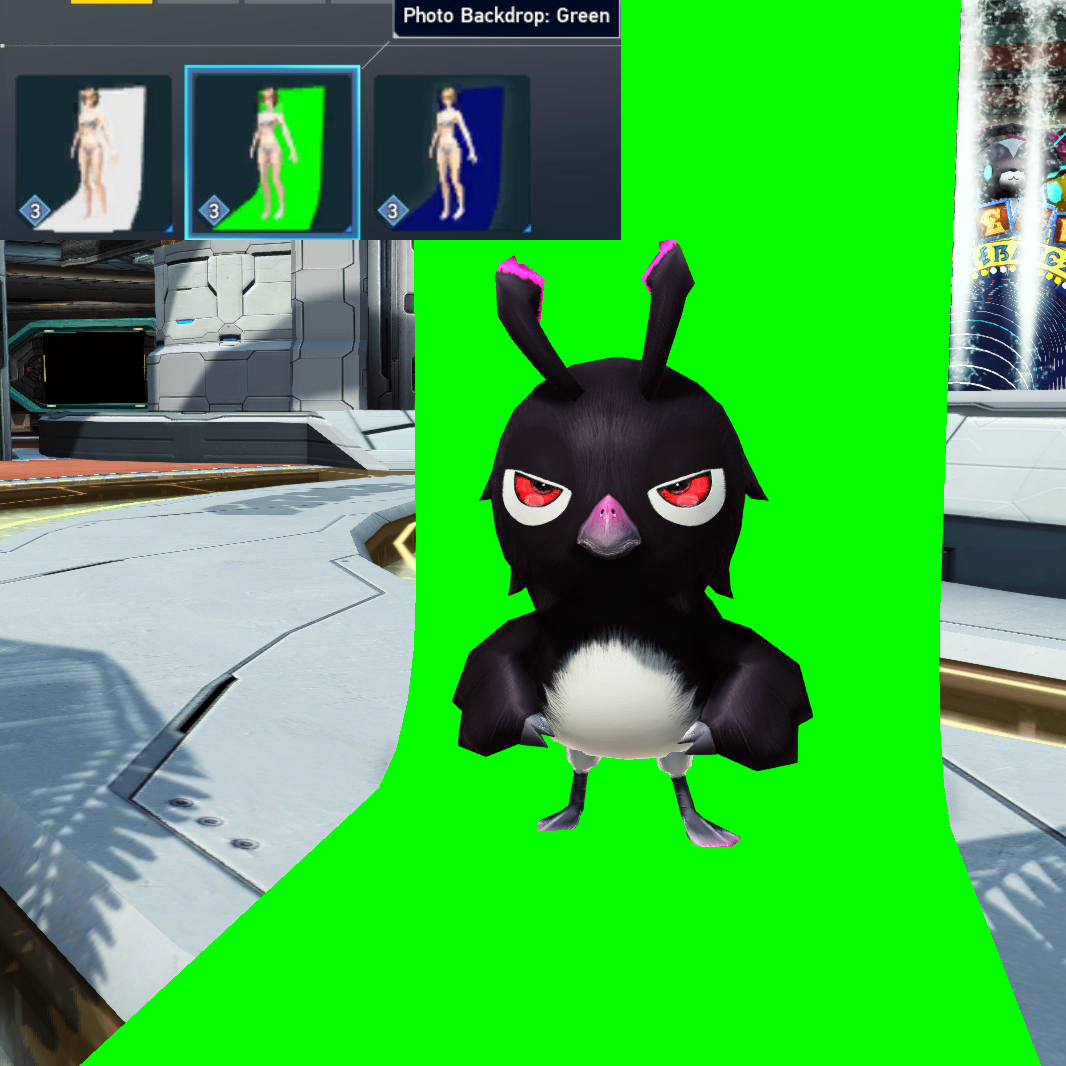
Other color(s) variation:Blue & White
So what if you wanted a green screen that will always follow you? Then this is it! At the trade-off of accessory points of course. Yes, you can change the size and even rotate it. Plus add more if you have some accessory points left. If you want my old thoughts about this when it released then click here.
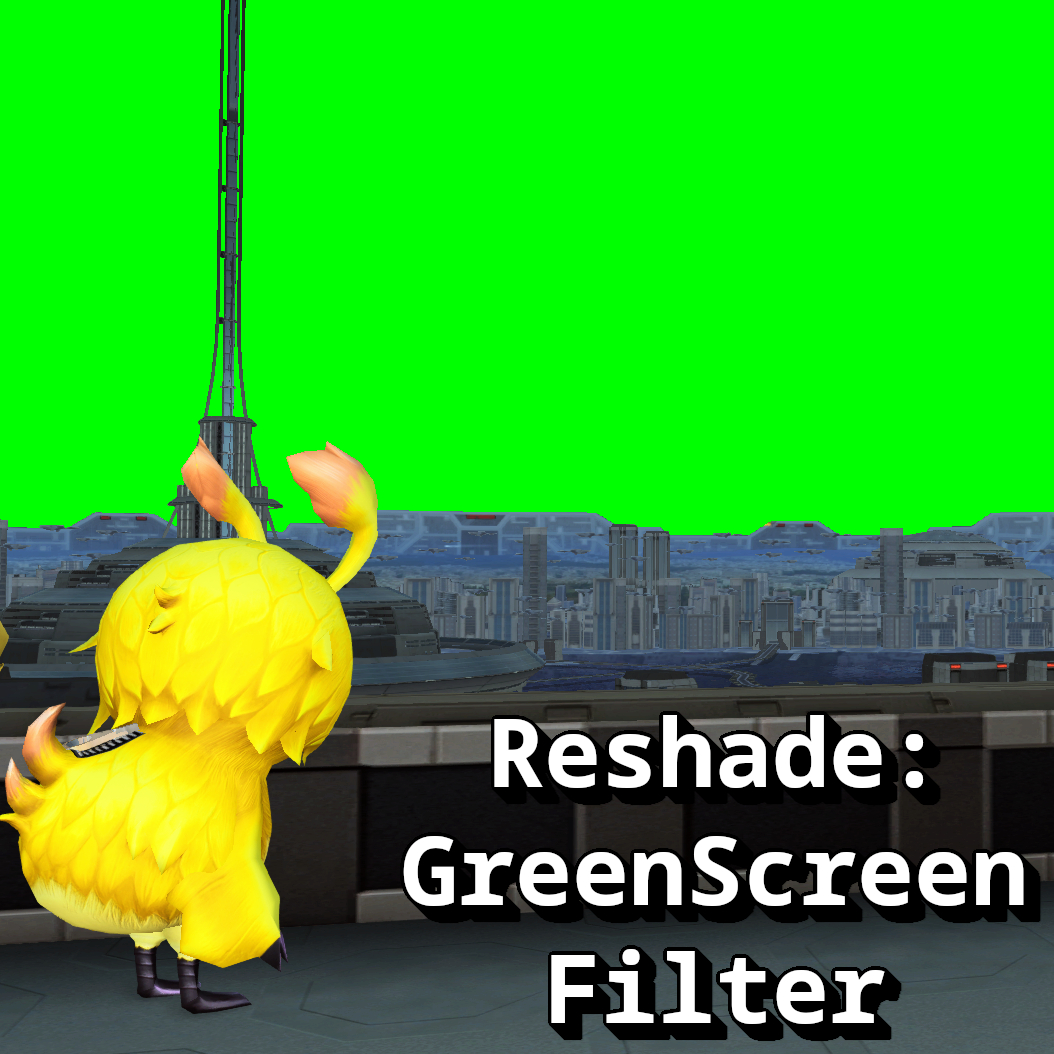
This will require the user to install Reshade in order to use this filter. In which I will not recommend anymore as I do not want to be held responsible for anyone getting banned for "using mods." And I also urge people to avoid Gshade which is a community fork of Reshade as that software has gain way too much controversy over the years (seriously I've used it before and it's dumb that the filters will disable unless you update the software ... I'm sorry what?! Talk about the lack of ownership of using the software, imagine Adobe preventing you from using Photoshop unless you update to their latest version.)
Want to start taking screenshots now?!
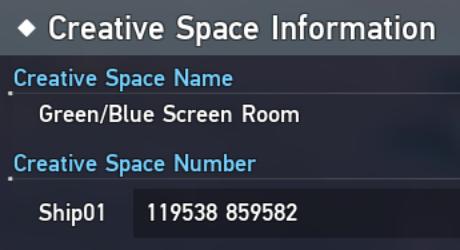
Ship 1
119538 859582 (Copy-paste that number into the "Space/Alliance Space Search" function)
You saw how huge my green screen is in my Creative Space! It's time that you take a visit over there! Mind you that this is only on Global servers and not Japan. And thankfully you can access my Creative Space even if you are on the other ships now! It's about time! o.o;;