Do's and Don'ts of Green Screens
Oh boy! We all have gone through trail and errors here or there! :D But no need to worry! Here you'll see what you need to adjust for taking screen shots in front the green screens!
Camera Lighting
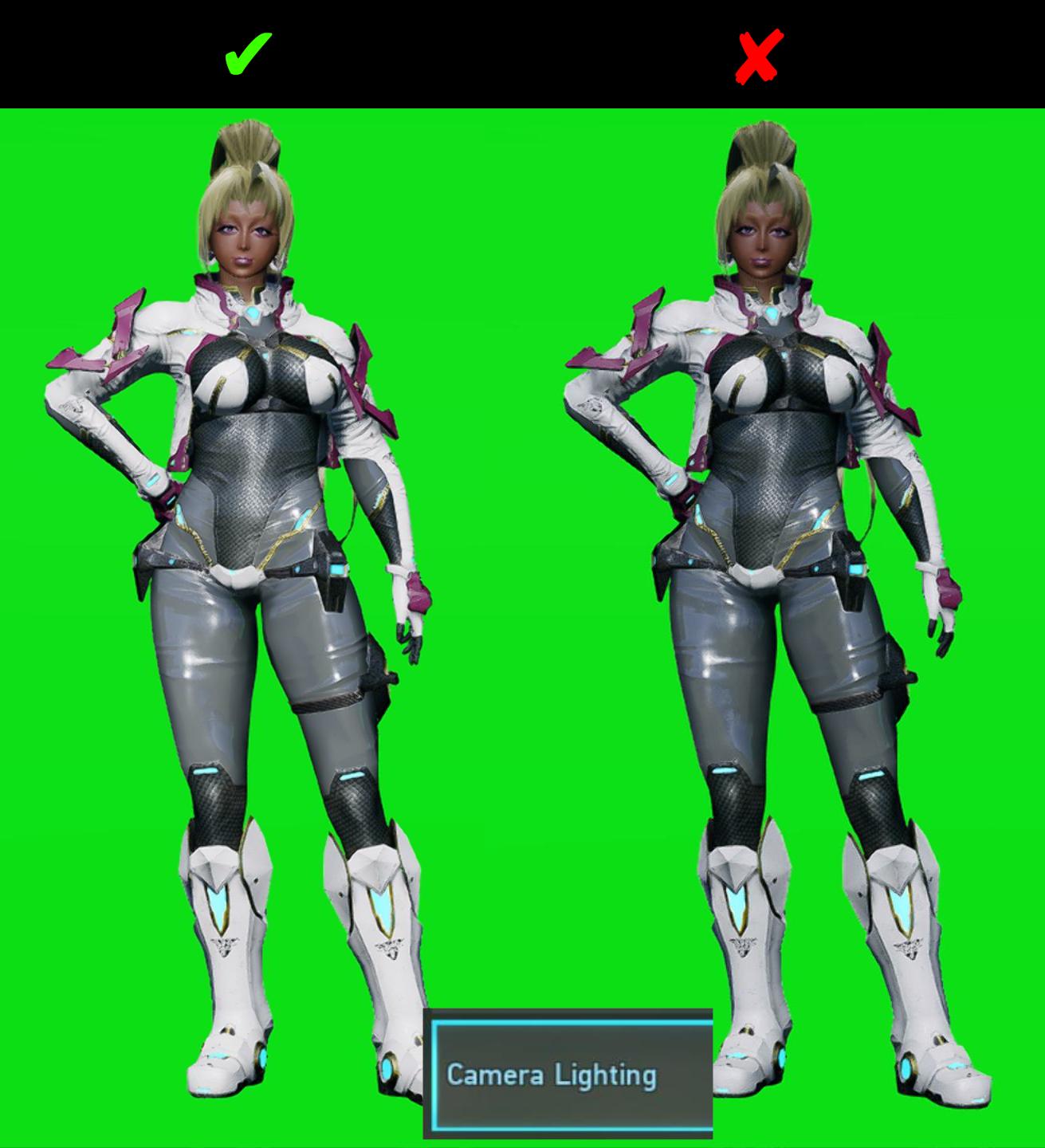
Set Camera Lighting to 100
This is not to be confused with Lighting options from the camera menus! This is from the graphics menu. When you have no access to Premium anymore, this will be your only best option to bring life on to your characters and etc.
Bloom
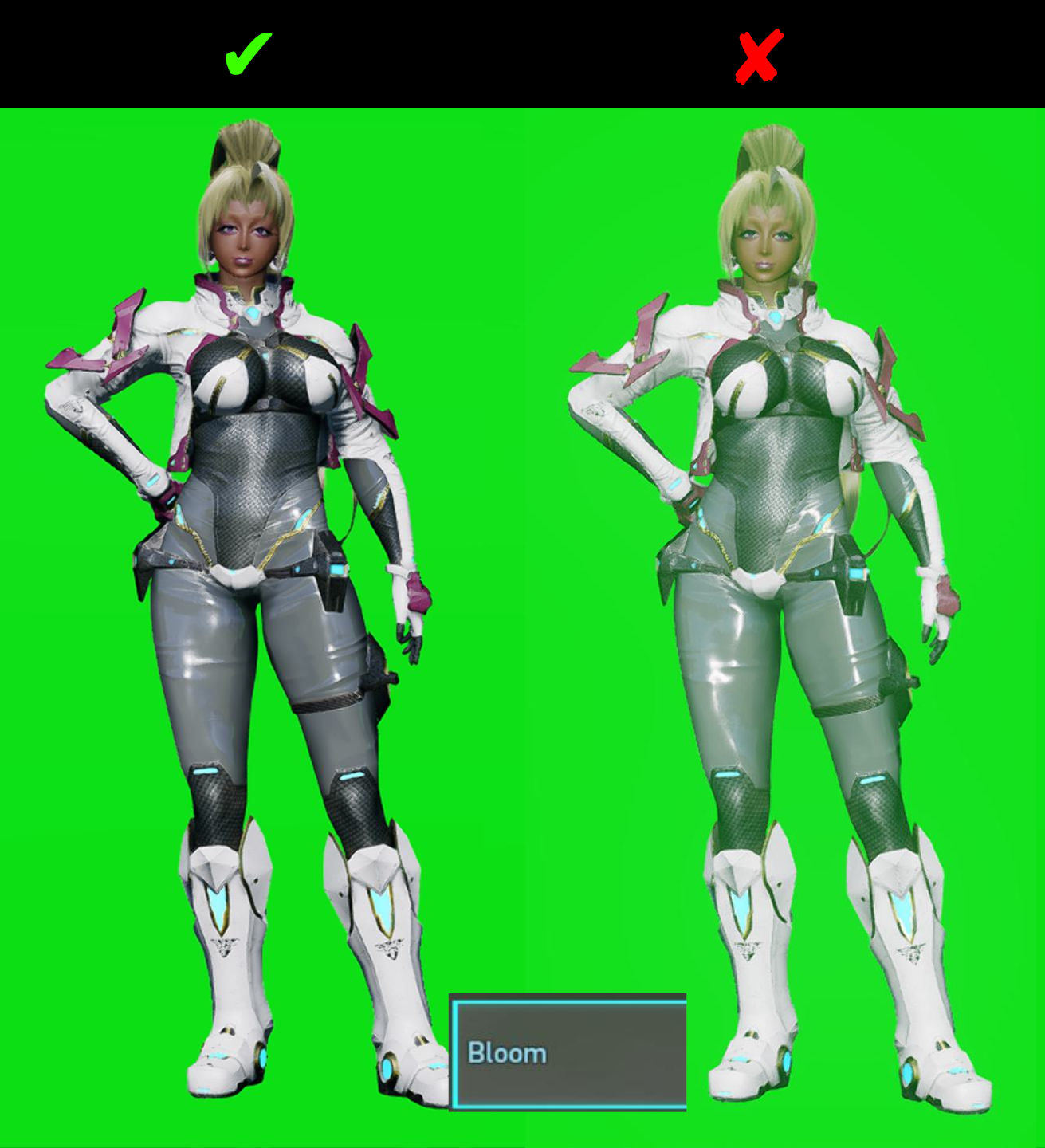
Set Bloom to 0 (zero)
This is self-explanatory, you don't want to give your audience the idea that you are near a green sewer.
Blur
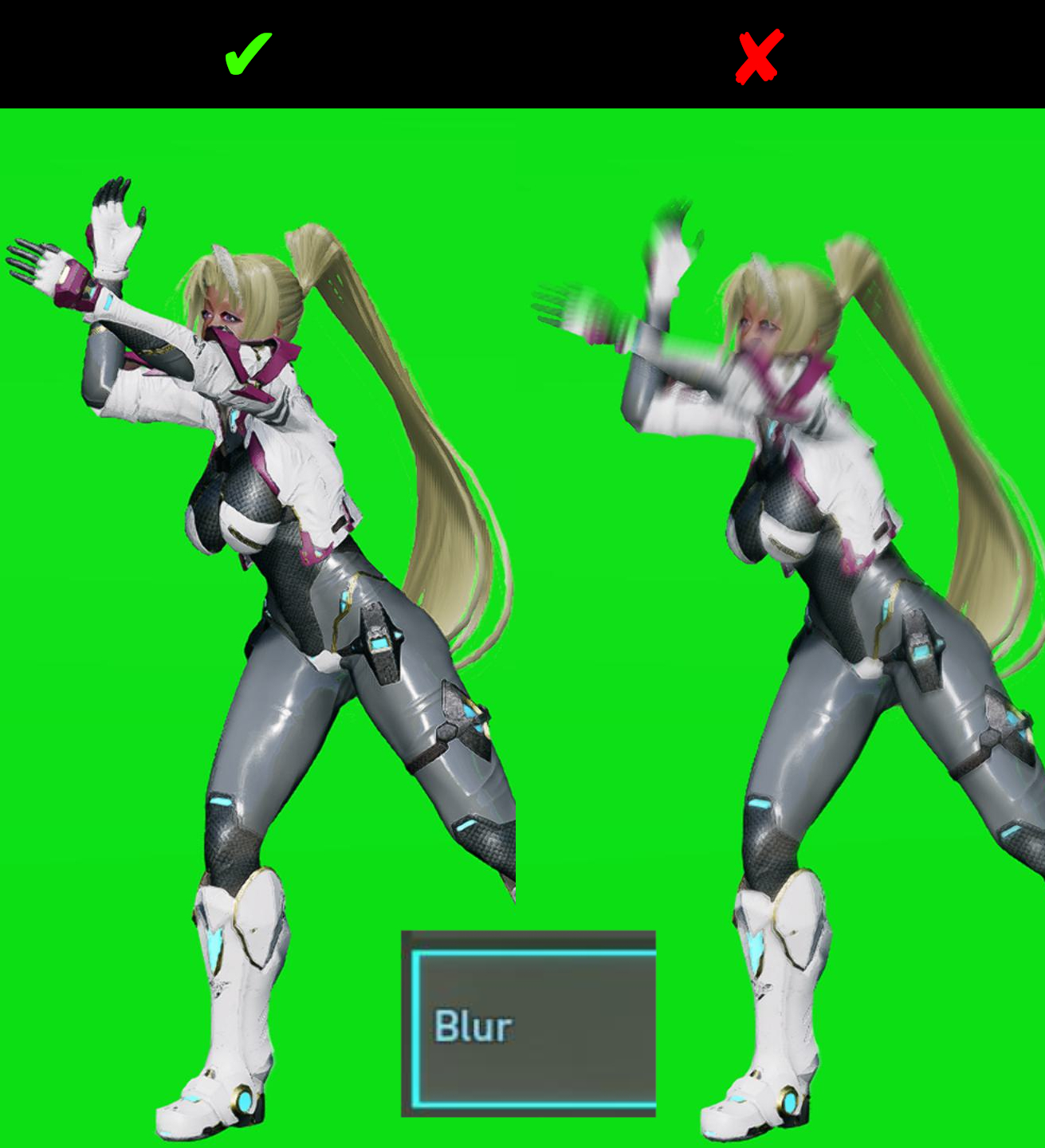
Set Blur to 0 (zero)
Unless you like to showcase some type of motion in action, it'll be pain to work with. It's better to keep it at zero.
Screen Edge Darkening
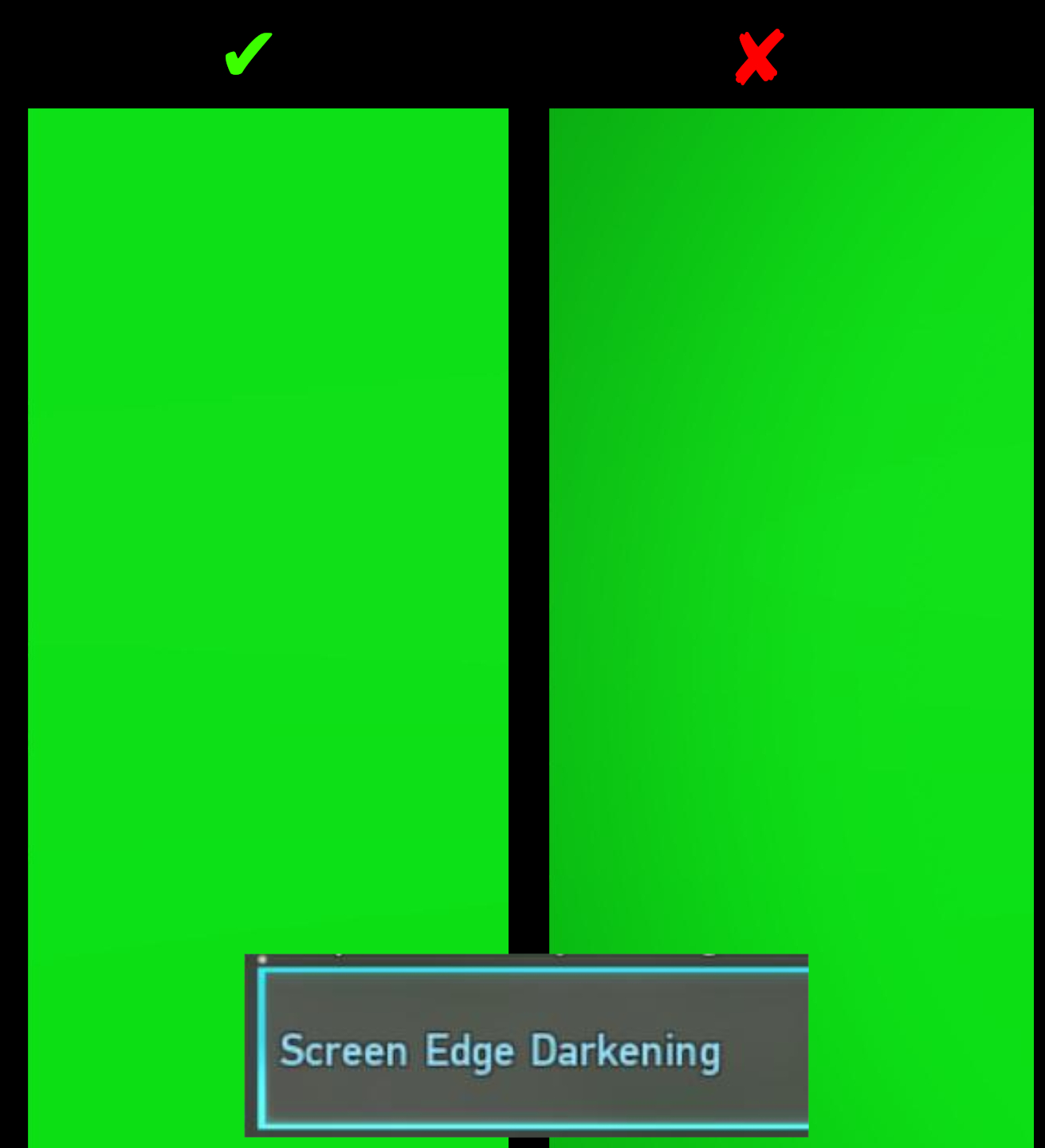
Set Screen Edge Darkening to Off
Awhile your eyes don't see the difference, your software of choice will see the difference. If you continue to keep it on, you'll start to see over time how annoying those edges can be. Even worse if you want to make use of the whole screen region. It's better to keep it turned off.