Tutorials
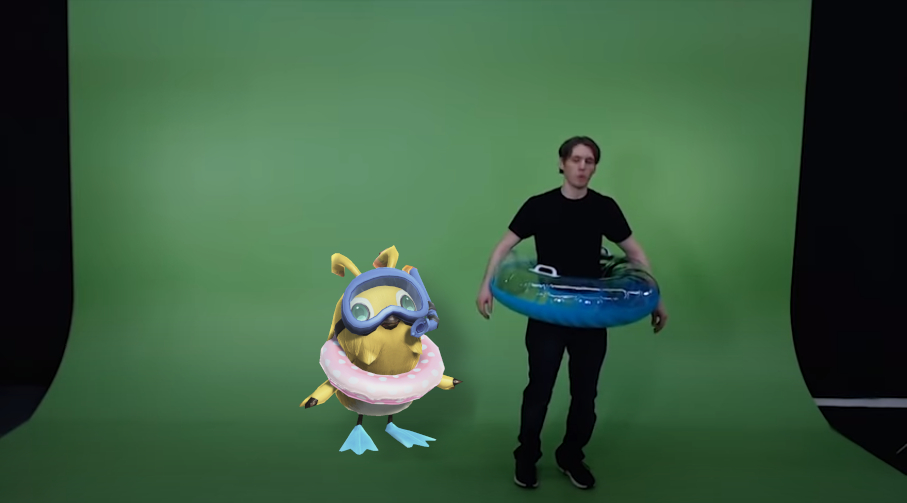
Time to learn! In this page I'll provide as much as I can to teach you on how to make use of Green Screen and other things that I felt sharing.
Disclaimer!
- I’ll only be using Free and Open Source software, no Proprietary paid software.
- No AI (Artificial Intelligence), because it’s very pointless.
- No mods and no Reshade/Gshade (I’ll mention it exist, but I won’t recommend installing it.)
- (In-game) Premium is completely optional.
The goal is to teach users how to use the tools at almost zero cost. I’m a firm believer that there are always tools out there that shouldn’t cost a lot of money in order to make content. (I happily donate money to various FLOSS projects out there.)
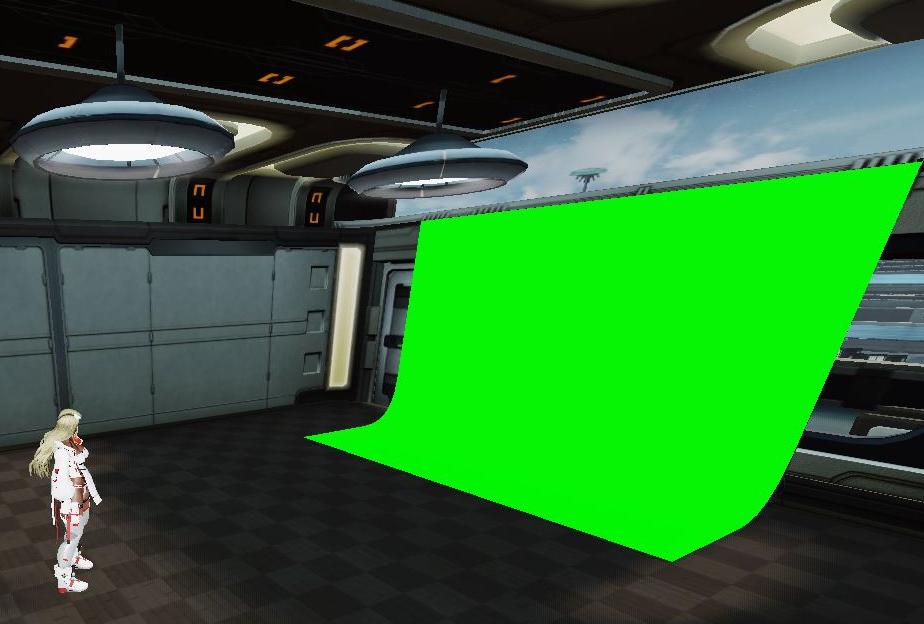
Introduction:The many types of Green Screens
Click here to read!
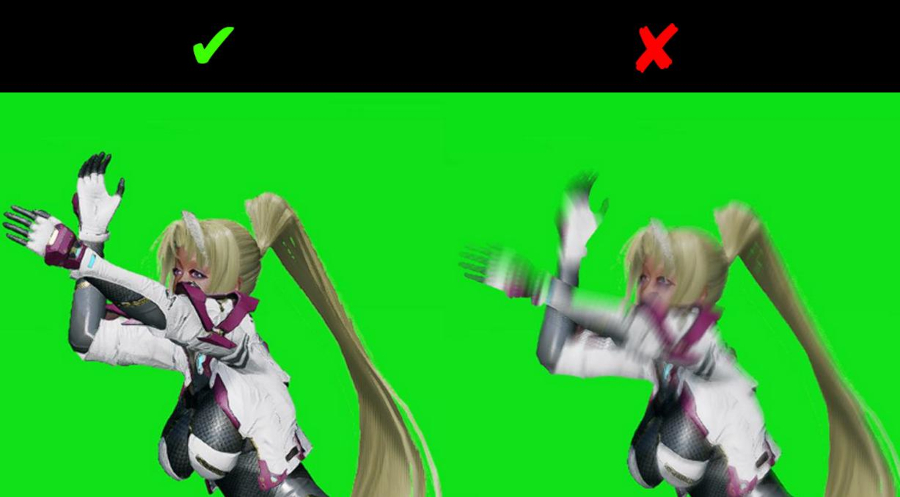
Do's and Don'ts of Green Screens
Click here to read!
Green Screen Tutorial (new, GIMP 3.2)
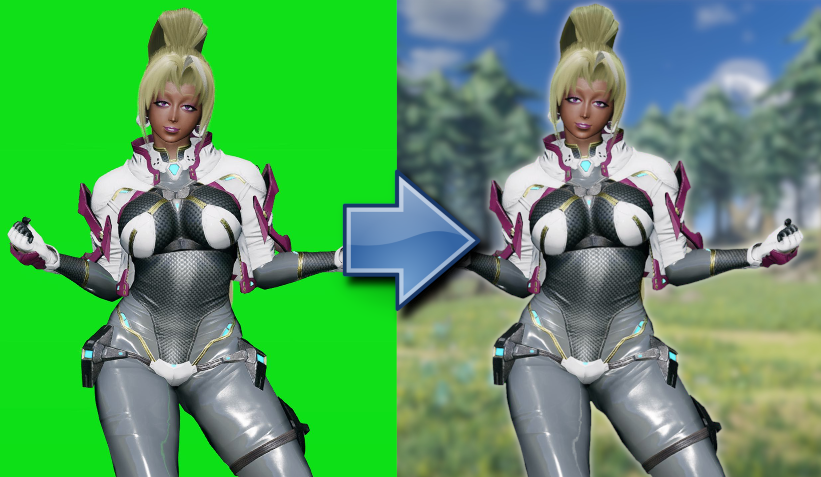
Click here to read it!
Green Screen Tutorial (old, imgur)
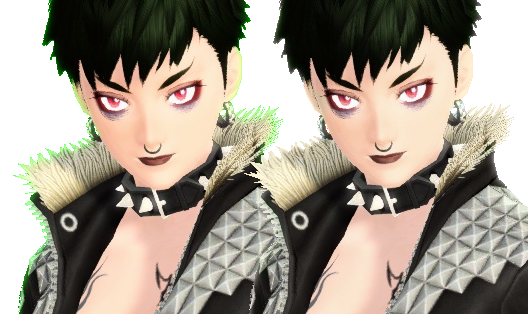
Click here to read it!
Green Screen Tutorial (old, Twitch.tv)
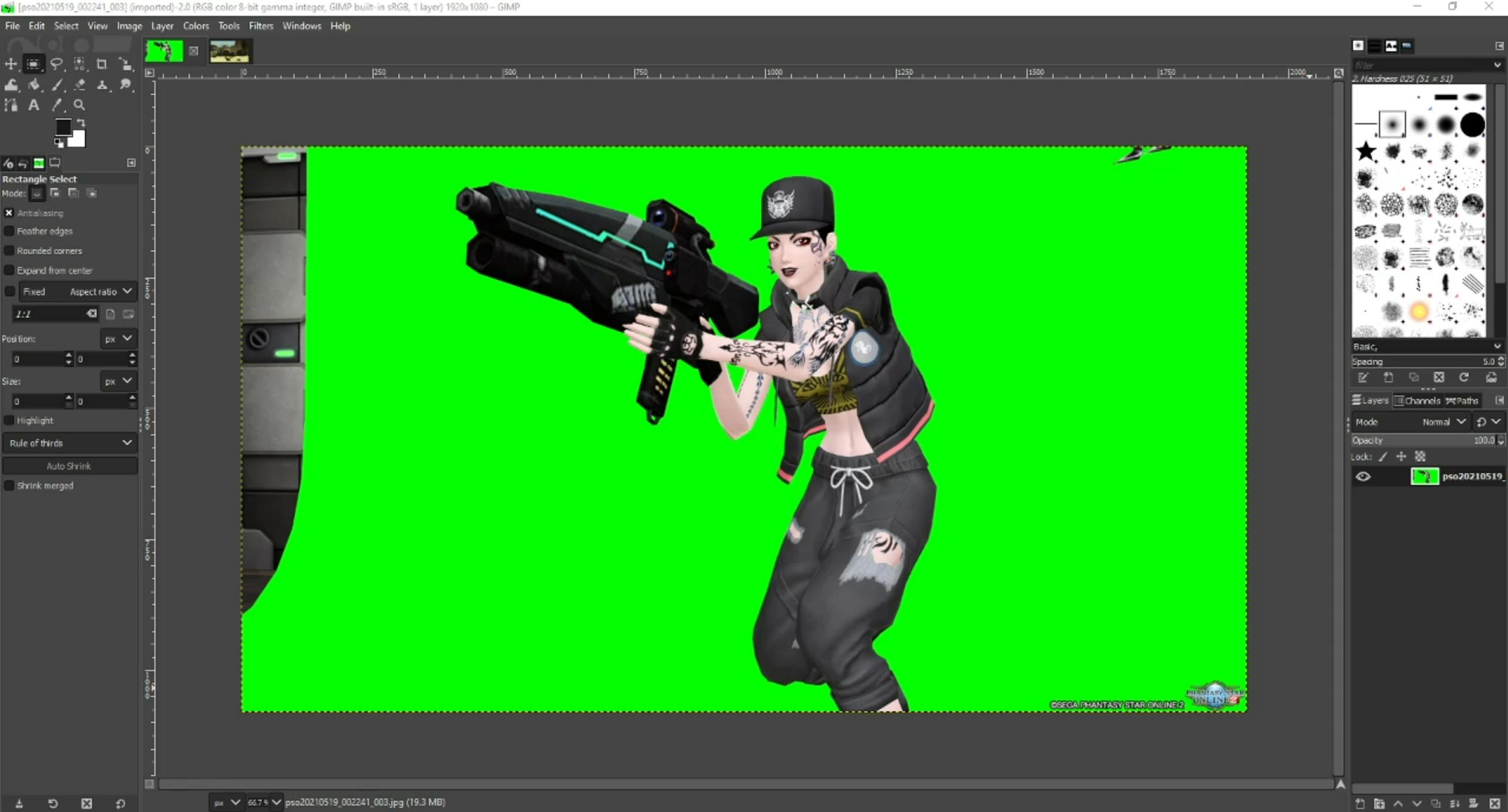
Click here to watch it!
Resources
This is the software I use for image manipulation! I had formally used Adobe Photoshop CS(1) very very long time ago, I believe I stopped using it more than a decade ago. And yes! I still use Krita for making art if you are wondering!
Click here to visit the website!
This is usually the first website I go to find fonts that I know I'm comfortable using! Once you become familiar with licenses, you'll know which font is allowed to use for commercial use and which is not. I believe I have used a few that is not from this website since I was trying to mimic what the official team used for their marketing images. Which is fine since I have zero interest in making money from the images I put together.
Click here to visit the website!
This website used to have all the images under CC-0 (AKA Public Domain) long ago but now they have their own license you'll have to read yourself. For my use, which is using it as a background and being transformative with the images, I believe I pass their requirements. However you use it, again, you'll have to read their license.
With the age of AI, I have no choice but to follow my own simple rules. For one, I'll have to check the upload date. If it's 2020 and before, I'm safe. And another rule, is to see if I can do it myself rather than relying on the website. For example, why should I get a beach background when I could just log-in to the game and take screenshots of the beach? And if I needed objects like beach balls and chairs, I can just use Creative Spaces' objects and/or holograms in front of greenscreens. There is so much you can do to avoid the headache!
Click here to visit the website!